
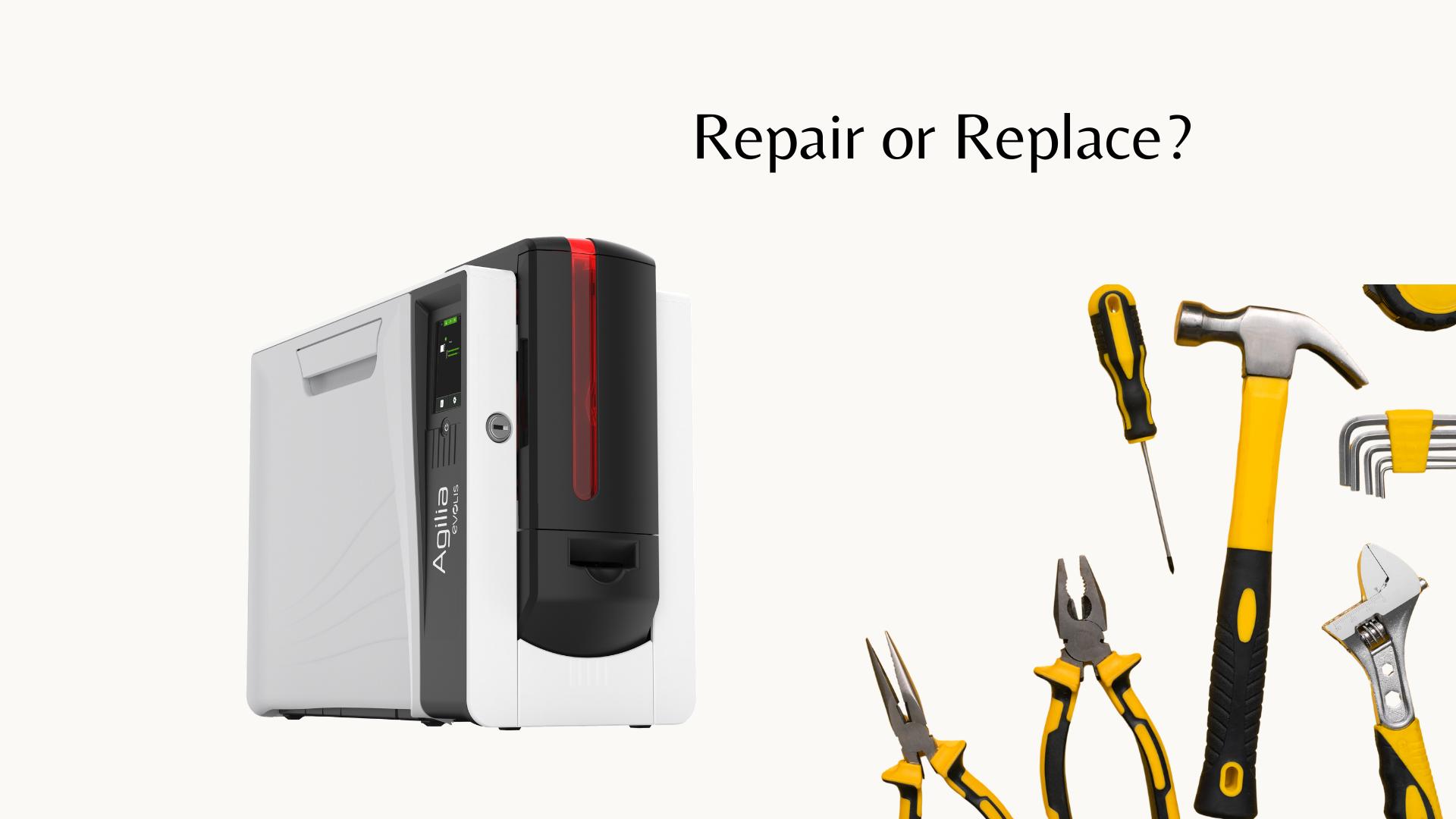
For customers who rely on ID card printers every day, printer downtime can quickly become a business challenge. When a printer starts experiencing issues, many organizations are unsure whether they should invest in repairs or replace the equipment entirely.
As a reseller or distributor, helping customers make the right decision builds trust, strengthens relationships, and positions you as a valuable technology partner. Knowing when to recommend repair versus replacement can also help customers avoid unnecessary costs while ensuring they have a reliable ID card printing solution.
When Repairing an ID Card Printer Makes Sense
Repair is often the best option when the printer is still relatively new, has been well maintained, or the issue is caused by a replaceable component.
Consider recommending repair when:
The Printer Has a Minor Hardware Issue
Many common printer problems can be resolved with replacement parts or service, including:
- Worn rollers
- Damaged printheads
- Card feeding issues
- Cleaning-related problems
- Broken hoppers or covers
- Ribbon sensor issues
Replacing a single component is often much more cost-effective than purchasing a new printer.
The Printer Is Still Supported by the Manufacturer
Manufacturers regularly update and support their printer models. If parts, firmware updates, and technical support are still available, repairing the existing printer may extend its useful life.
A supported printer is typically easier to maintain because replacement parts and service resources are still accessible.
The Customer Has a Low Print Volume
For organizations that only print a few hundred cards per year, replacing a printer may not always be necessary. A repair can allow them to continue using their current equipment without making a larger investment.
The Printer Meets the Customer’s Current Needs
If the printer still provides the required features—such as:
- Single-sided or dual-sided printing
- Encoding capabilities
- Lamination options
- Print speed
- Security features
then repair may be the most practical choice.
When Replacement Is the Better Option
While repairs can extend the life of a printer, there are situations where investing in new equipment makes more sense.
Recommend replacement when:
The Printer Is Outdated or Discontinued
Older printers may become difficult or expensive to maintain due to:
- Limited replacement parts
- Outdated drivers
- Lack of manufacturer support
- Compatibility issues with newer operating systems
In these cases, continuing to repair an aging printer may only delay the need for replacement.
Repair Costs Are Too High
A good rule of thumb is to compare the repair cost to the price of a new printer.
If the repair is a significant percentage of the cost of replacement, upgrading may provide better long-term value. A new printer can offer improved reliability, warranty coverage, and updated features.
The Customer’s Printing Needs Have Changed
A customer’s ID card program may grow over time. A printer that worked well several years ago may no longer meet their needs.
Signs they may need an upgrade include:
- Increased card volume
- Need for faster printing
- Requirement for dual-sided printing
- Need for lamination
- Desire for better security features
- Expansion into access control credentials
The Printer Requires Frequent Repairs
One repair may be worthwhile, but repeated service issues can become costly and frustrating.
If customers are regularly experiencing:
- Card jams
- Print quality problems
- Hardware failures
- Downtime
it may be more economical to invest in a newer, more reliable printer.
Questions Resellers Should Ask Before Recommending a Solution
Before suggesting repair or replacement, ask customers:
1. How old is the printer?– A newer printer with a minor issue is often worth repairing, while an older printer may be nearing the end of its useful life.
2. How many cards do you print?– Print volume helps determine whether the printer is still the right fit.
3. What issues are you experiencing?– Understanding the problem helps determine whether a repair is simple or if a larger hardware failure is occurring.
4. Are your printing requirements changing?– Customers may need additional features they did not previously require.
5. How quickly do you need the printer back in operation?– For organizations with critical badge programs, replacement may be the faster solution.
How Resellers Can Add Value
A trusted reseller does more than sell equipment—they help customers make informed decisions.
By offering guidance on repair versus replacement, resellers can:
- Build stronger customer relationships
- Reduce unnecessary expenses
- Identify upgrade opportunities
- Recommend solutions that fit long-term needs
Instead of automatically recommending a new printer, take the time to understand the customer’s situation. Sometimes a simple repair is all they need. Other times, upgrading can improve efficiency, security, and reliability.
Contact us today
Knowing when to repair versus replace an ID card printer is an important part of providing excellent customer service. A printer that has a minor issue, is still supported, and meets the customer’s needs may only require a repair. However, outdated equipment, frequent breakdowns, and changing requirements often indicate it is time for an upgrade.
For resellers, being able to guide customers through this decision creates trust and helps position your business as a long-term partner in their ID card and credentialing solutions.
Need help determining whether your customer’s ID card printer should be repaired or replaced? Contact us today to discuss your options and find the right solution for their needs.